One click on the job page, saved to HoiSum
Stop copy-pasting roles between tabs and notes. The Chrome extension reads the job page you are looking at — save, parse, and file it in one step, with the original posting link preserved for when you apply.
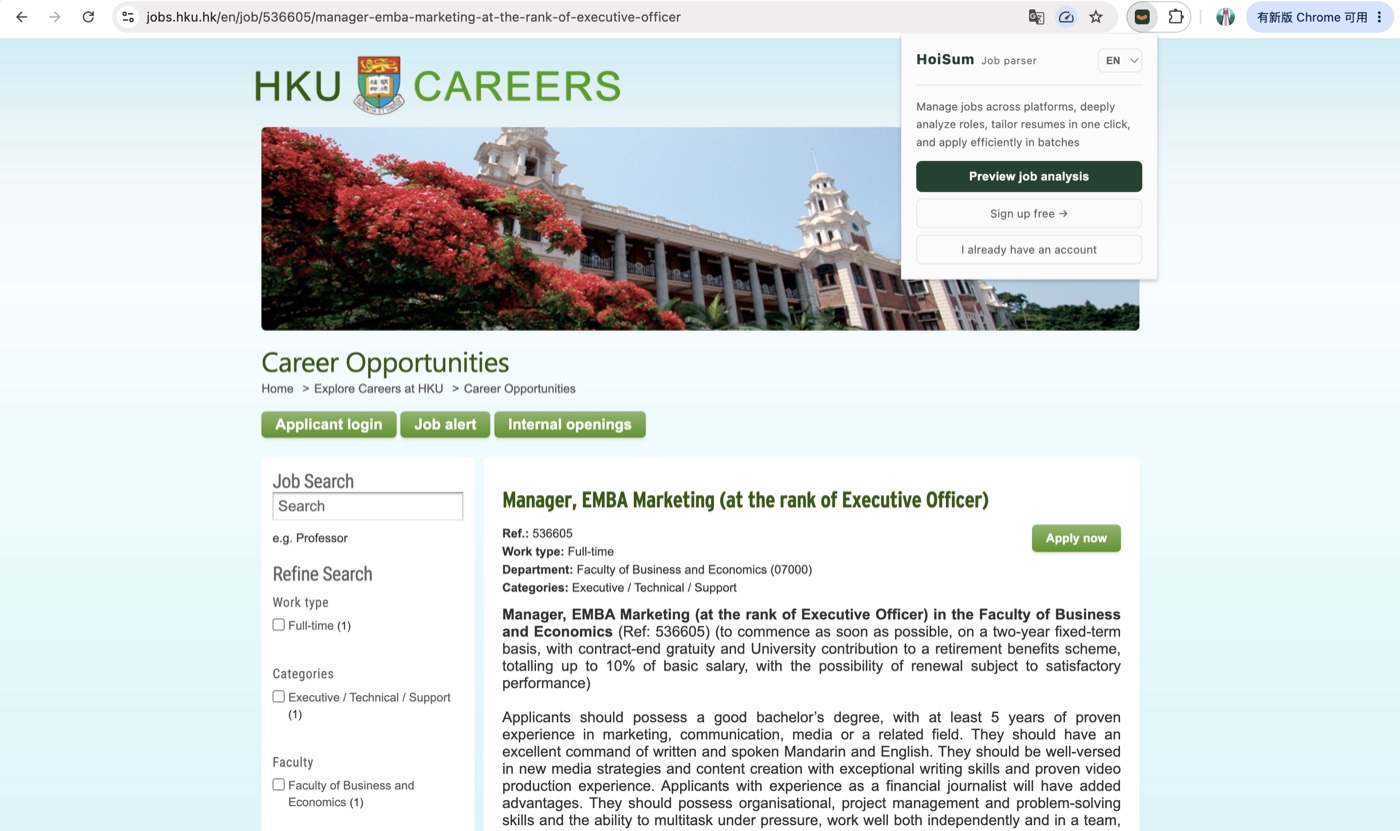
Works on the major job boards
One-click saving works on JobsDB, LinkedIn, Indeed, Glassdoor, CTgoodjobs, Workday, and most company career pages. The extension reads the role in front of you — no manual copying.
Three ways to save, identical once saved
No extension at hand? Two more routes get a role into your library.
- Chrome extension: one-click Save to HoiSum on the job page
- Paste a link: drop the job URL into the input box on the homepage or in the app
- Paste JD text: roles forwarded by friends or referrals work too
What happens automatically after saving
Every saved role is parsed by AI: job signals, function and industry tags, deadlines, and a fit score against your master resume. Re-opening a parsed role never starts from scratch.
FAQ
Does the extension cost anything?
The extension itself is free. AI parsing counts against your account plan: a free account includes 10 job parses.
What about unsupported sites?
Any role from any site can enter your library via "paste a link" or "paste JD text" — parsing and material generation work exactly the same as extension saves.
What data does the extension read?
Only the public content of the job page you actively save (title, description, company name). It does not collect your browsing history in the background. See the Privacy Policy for details.
Where do saved roles go?
Into the job library in your account — sign in at app.hoisum.hk from any device to review, parse, generate materials, and update application status.
Install the extension, save your first role
A free account parses 10 roles with full fit analysis.
Install the Chrome extension →